
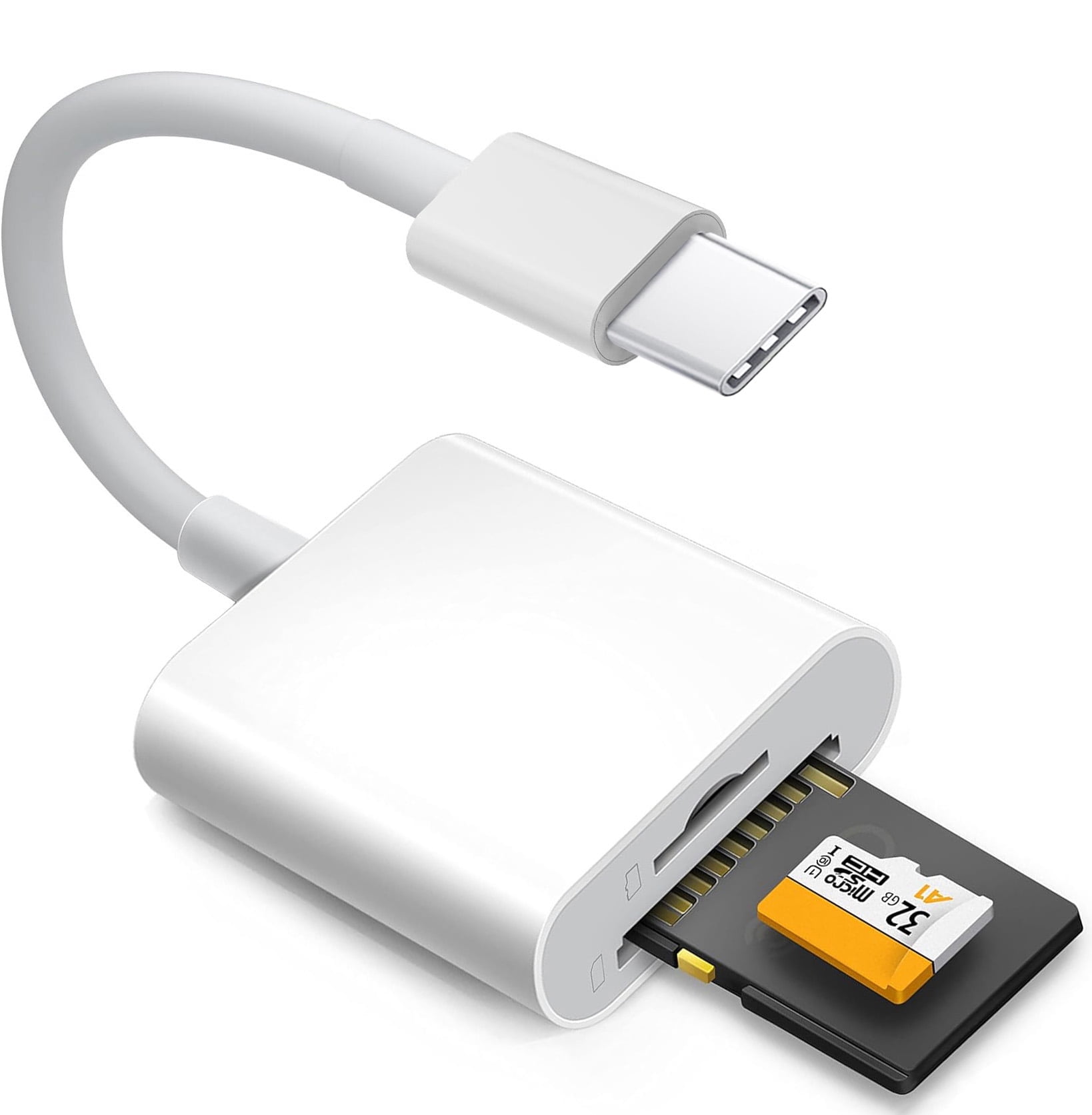
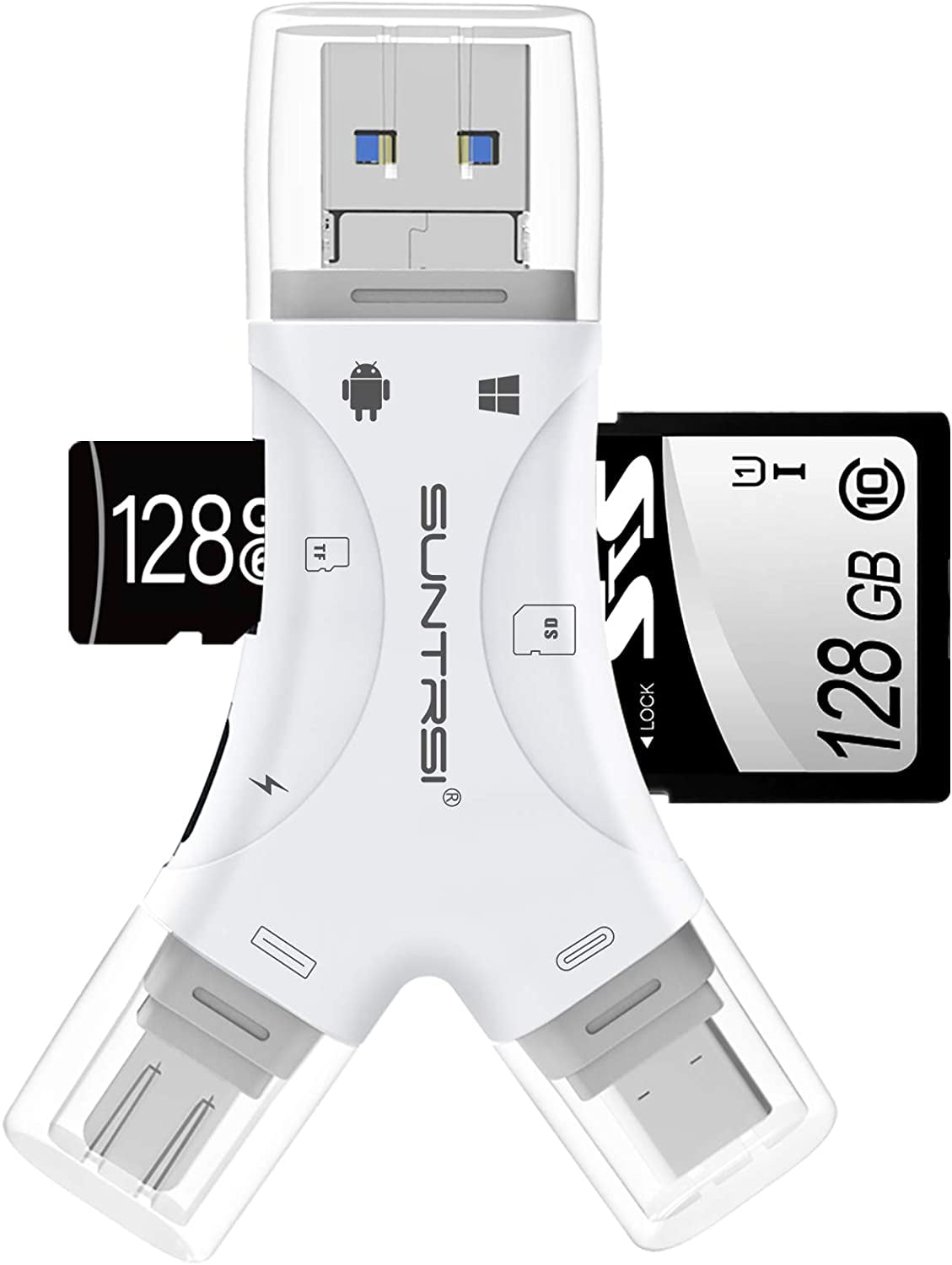
Apple USB C SD Card Reader for iPhone 15 16 17, MFi Certified Type C Memory Card Adapter High-Speed for MacBook Pro/Air, iMac, iPad, Supports SD/Micro SD/SDHC/SDXC/MMC, Plug and Play
Product details
| Management number | 238450584 | Release Date | 2026/07/11 | List Price | US$4.00 | Model Number | 238450584 | ||
|---|---|---|---|---|---|---|---|---|---|
| Category | |||||||||
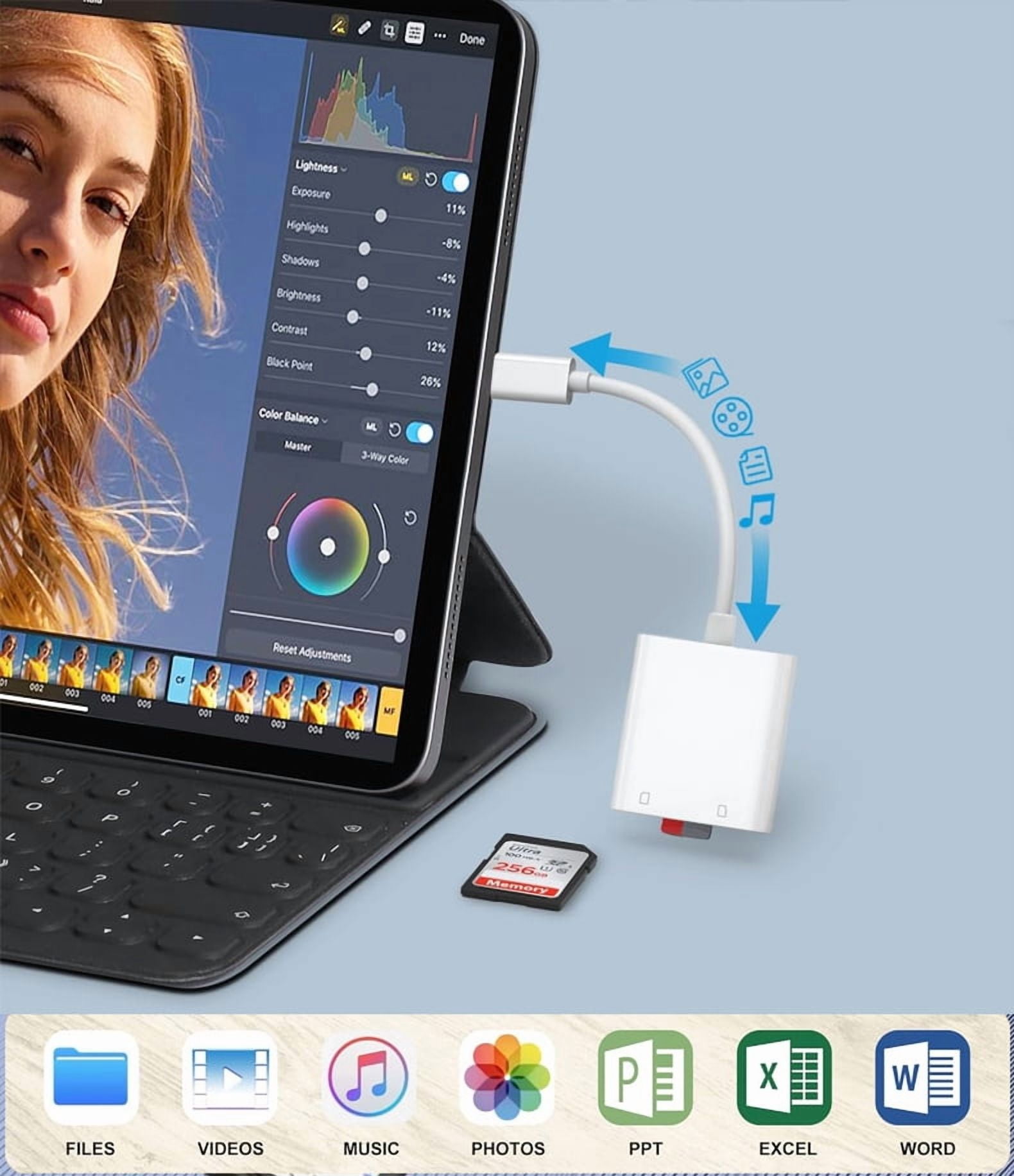
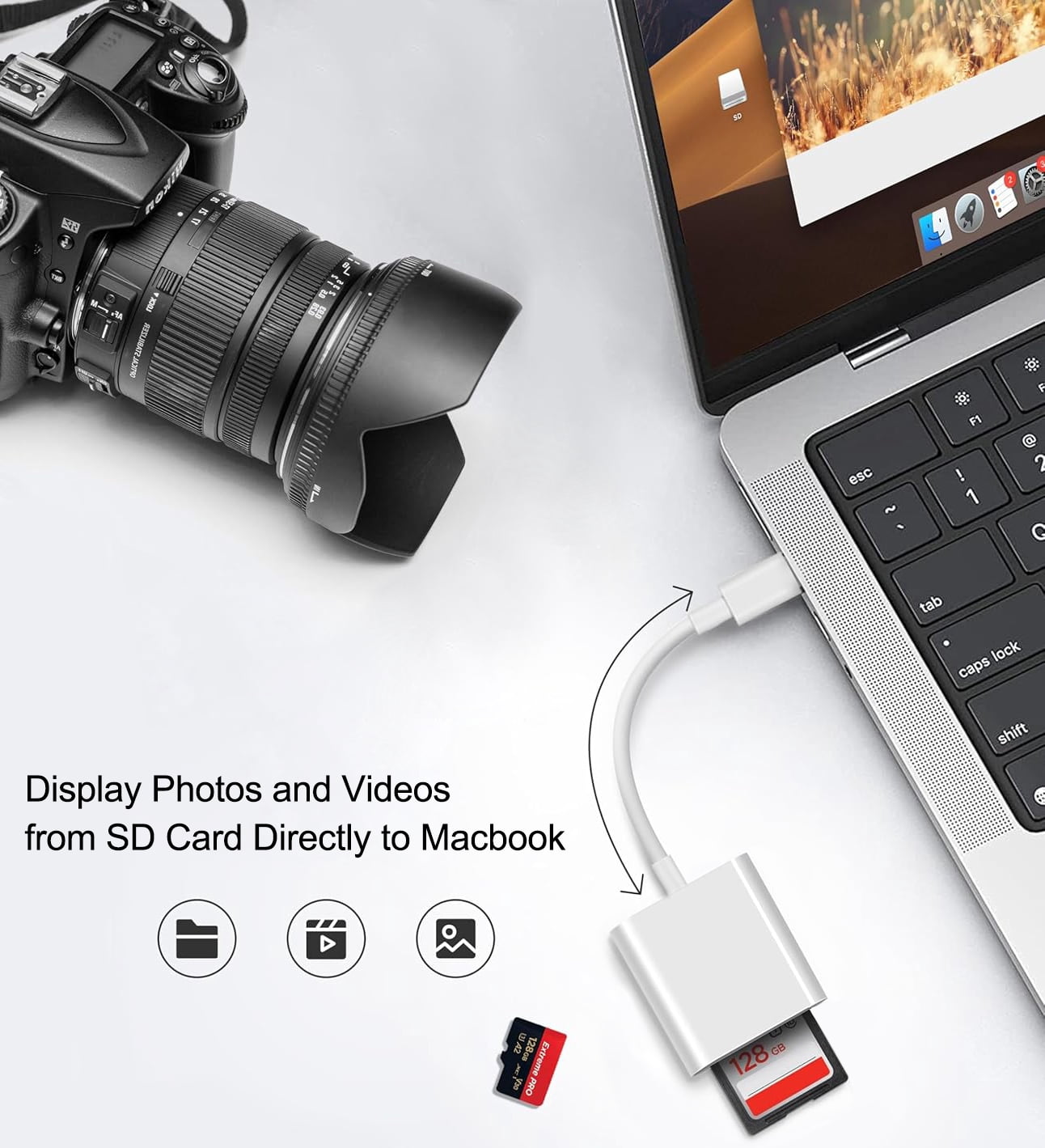
USB-C to SD & TF Card Adapter:<br> Apple MFi Certified Built-in advanced chip. easy and stable to transfer photos, videos and data to your USB-C laptop, smartphone and tablets. it is a photography accessory designed for Kodak, Canon, and Nikon digital SLR cameras ect.<br> <br><br> How to Access External Storage Cards on iPhone/iPad Using the Files App <br><br> The built-in iOS Files app lets you manage external storage cards (SD cards, USB drives) on your iPhone 15 or iPad with ease. Follow these steps:<br> <br><br> Step 1: Insert your storage card into the adapter. <br><br> Step 2: Insert the adapter into your iPhone 15 or iPad. <br><br> Step 3: Access the “Files” App Manually. <br><br> Unlike on a computer, iOS will not automatically prompt you when an external device is plugged in. Please open the "Files" app directly. <br><br> Under Locations in the sidebar, tap your storage device (usually labeled "NONAME" or "Untitled"). <br><br> Step 4: Manage your files in external storage cards (SD cards, USB drives) Flexibly <br><br> View & Organize: Browse folders like on a computer <br><br> Edit Content: Rename files, create folders, or delete items
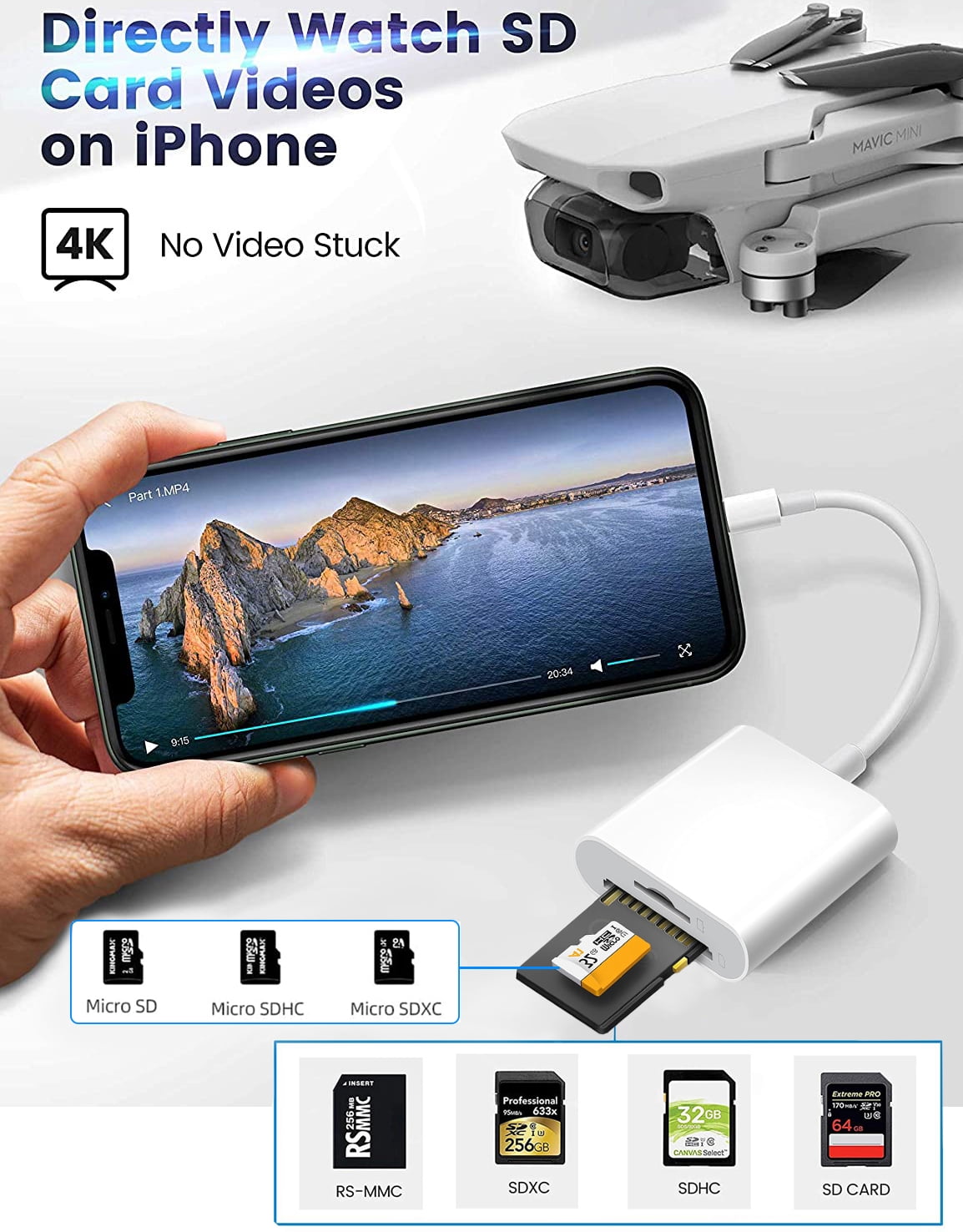
- USB-C to SD & TF Card Adapter: Apple MFi Certified Built-in advanced chip. easy and stable to transfer photos, videos and data to your USB-C laptop, smartphone and tablets. it is a photography accessory designed for Kodak, Canon, and Nikon digital SLR cameras ect.Widely Compatible: This iOS SD card Converter compatible with iPhone 15/ 15 Plus/ 15 Pro/ 15 Pro Max,16/ 16 Plus/ 16 Pro/ 16 Pro Max,17/ 17 Air/ 17 Pro/ 17 Pro Max, iPad Pro 12.9-inch 3th Gen / 4th Gen / 5th Gen / 6th Gen / 7th Gen, iPad Pro 11-inch 1th Gen / 2th Gen / 3th Gen / 4th Gen / 5th Gen, iPad Air 11-inch 4th Gen / 5th Gen / 6th Gen , iPad mini 6th Gen / 7th Gen, iPad 10th Gen / 11th Gen. And compatible with MacBook/MacBook Pro 2015-2025, Macbook air 2018-2025, iPad Pro 2018-2025, iMac 2017-2025.and more USB-C phones and tablets.Plug & Play: Easy to use, no need to download APP. No need to use PC anymore. with this SD card dongle easily save your photos and videos from your SD card to your iPhone, or easily save your photos and videos from iPhone to your SD card!Bidirectional High-Speed Transfer: This USB C High-Speed Trail Camera Viewer for iPhone supports bidirectional data transfer, from SD card to iPhone or iPhone to SD memory cards. Support USB 3.0 fast data transfer speed (up to 5Gbps) of the new USB C port and fully enjoy the transfer rate in UHS-I mode. Backward compatible with USB 2.0 (Max 480Mbps) / USB 1.1(14MB~16MB/S).Tips: Please don't worry if the no any dispaly when your plug your SD card. Just find "Files" and click "Browse" then you can see the SD card on your iPhone.
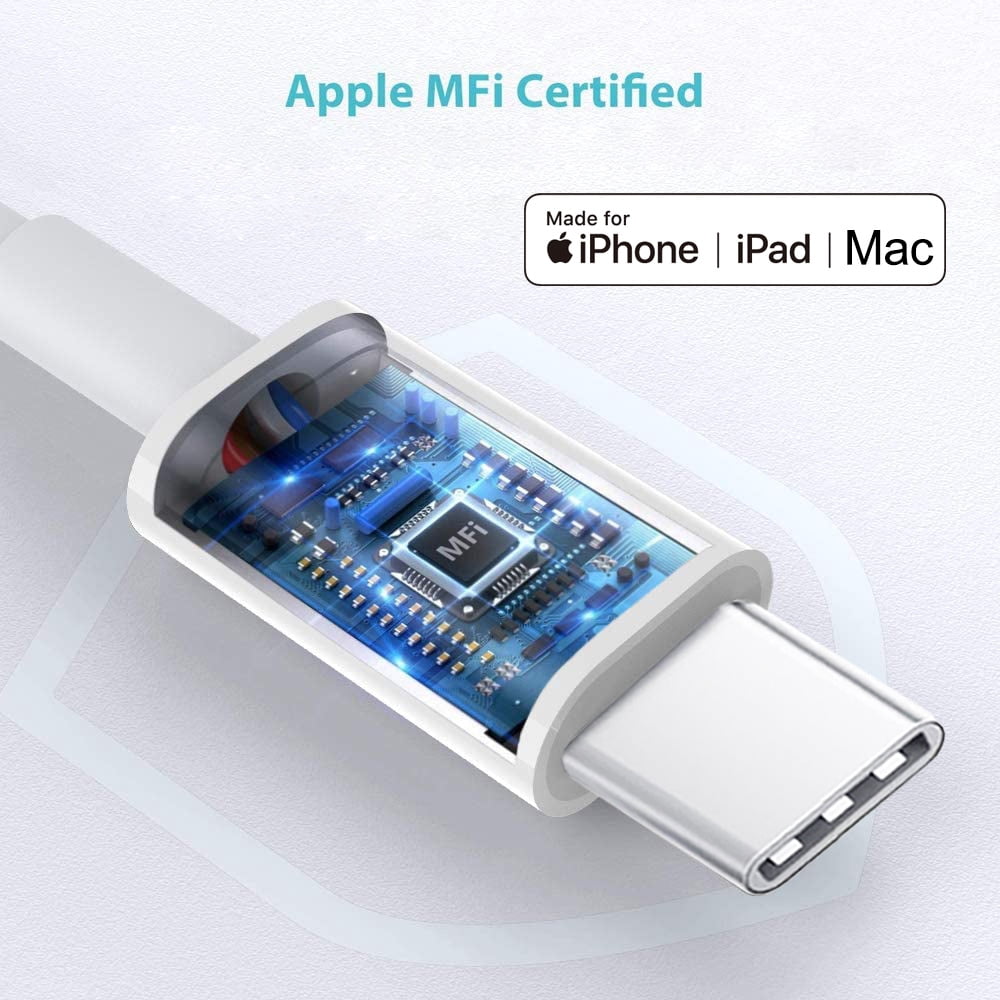
- USB-C to SD & TF Card Adapter: Apple MFi Certified Built-in advanced chip. easy and stable to transfer photos, videos and data to your USB-C laptop, smartphone and tablets. it is a photography accessory designed for Kodak, Canon, and Nikon digital SLR cameras ect.
- Widely Compatible: This iOS SD card Converter compatible with iPhone 15/ 15 Plus/ 15 Pro/ 15 Pro Max,16/ 16 Plus/ 16 Pro/ 16 Pro Max,17/ 17 Air/ 17 Pro/ 17 Pro Max, iPad Pro 12.9-inch 3th Gen / 4th Gen / 5th Gen / 6th Gen / 7th Gen, iPad Pro 11-inch 1th Gen / 2th Gen / 3th Gen / 4th Gen / 5th Gen, iPad Air 11-inch 4th Gen / 5th Gen / 6th Gen , iPad mini 6th Gen / 7th Gen, iPad 10th Gen / 11th Gen. And compatible with MacBook/MacBook Pro 2015-2025, Macbook air 2018-2025, iPad Pro 2018-2025, iMac 2017-2025.and more USB-C phones and tablets.
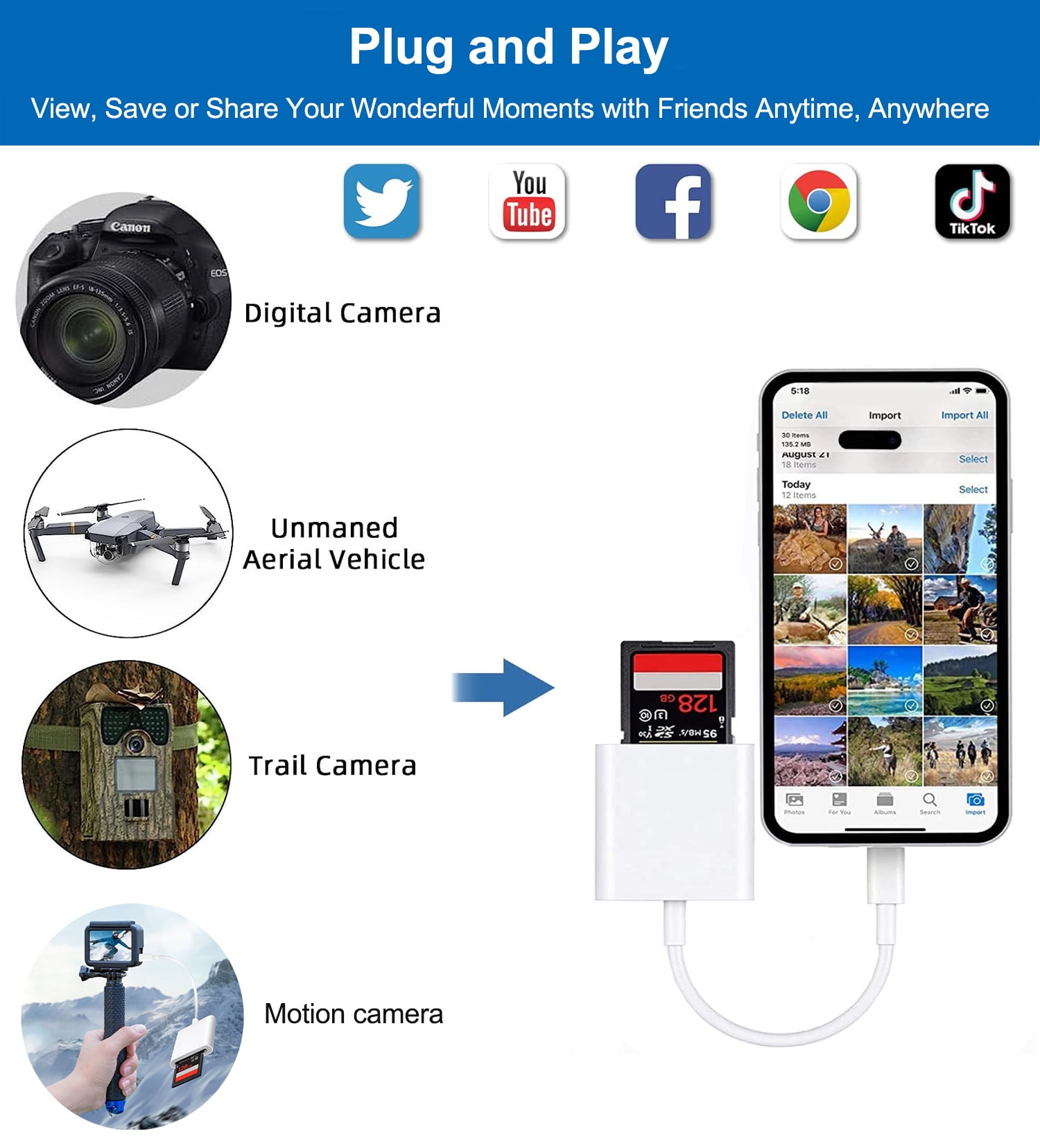
- Plug & Play: Easy to use, no need to download APP. No need to use PC anymore. with this SD card dongle easily save your photos and videos from your SD card to your iPhone, or easily save your photos and videos from iPhone to your SD card!
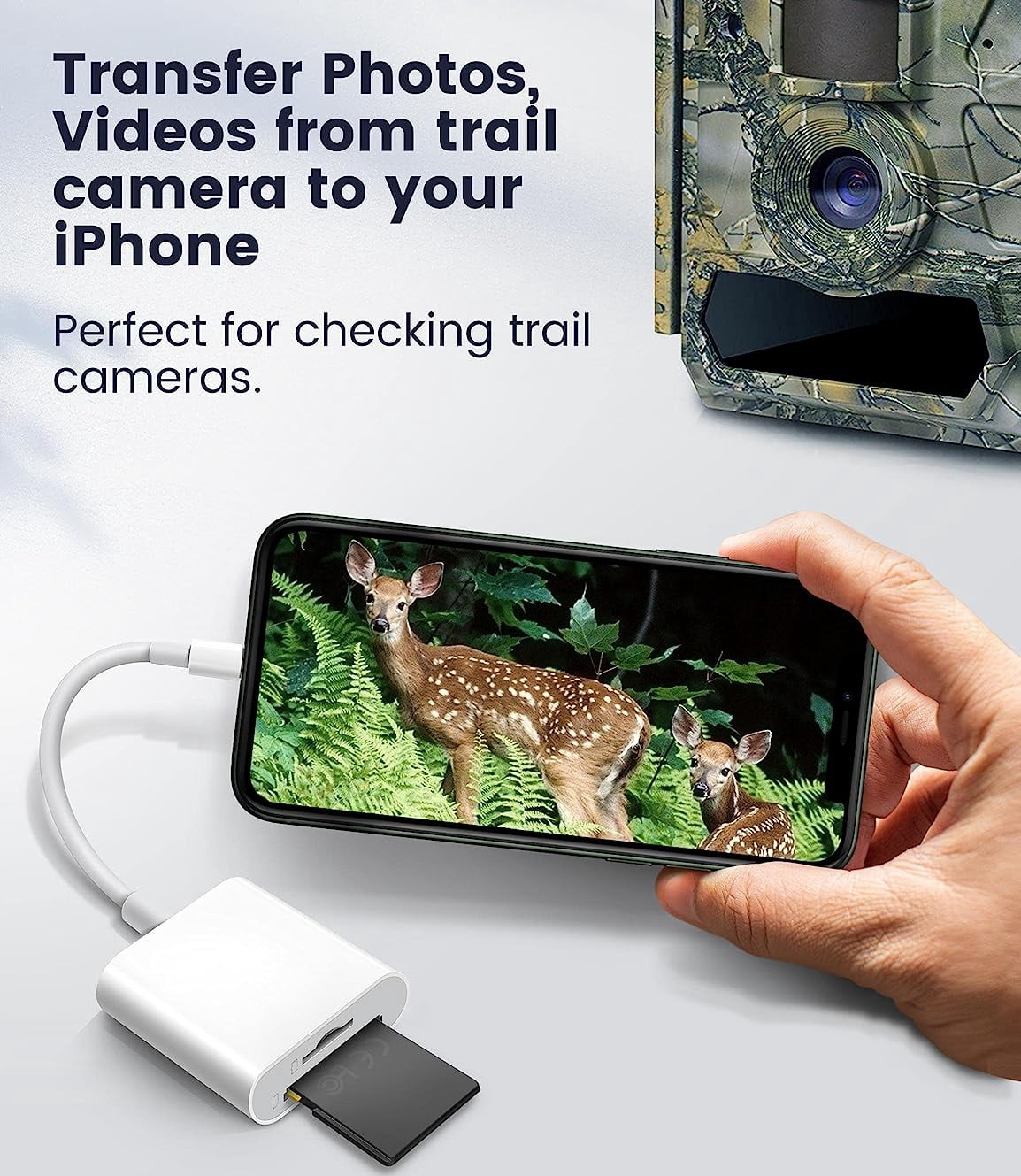
- Bidirectional High-Speed Transfer: This USB C High-Speed Trail Camera Viewer for iPhone supports bidirectional data transfer, from SD card to iPhone or iPhone to SD memory cards. Support USB 3.0 fast data transfer speed (up to 5Gbps) of the new USB C port and fully enjoy the transfer rate in UHS-I mode. Backward compatible with USB 2.0 (Max 480Mbps) / USB 1.1(14MB~16MB/S).
- Tips: Please don't worry if the no any dispaly when your plug your SD card. Just find "Files" and click "Browse" then you can see the SD card on your iPhone.
| Memory card input | Micro SD |
|---|---|
| Usb version | USB Type C |
| Brand | Wahbite |
| Accessories | USB-C to SD & TF Card Adapter |
| Height | 3 in |
| Model name | HDZ20250807 |
| Pieces | 1 |
Bestseller ranking
Memory Card Readers
Customers who viewed this product also viewed
Kitten Harnesses


Correction of product information
If you notice any omissions or errors in the product information on this page, please use the correction request form below.
Correction Request Form